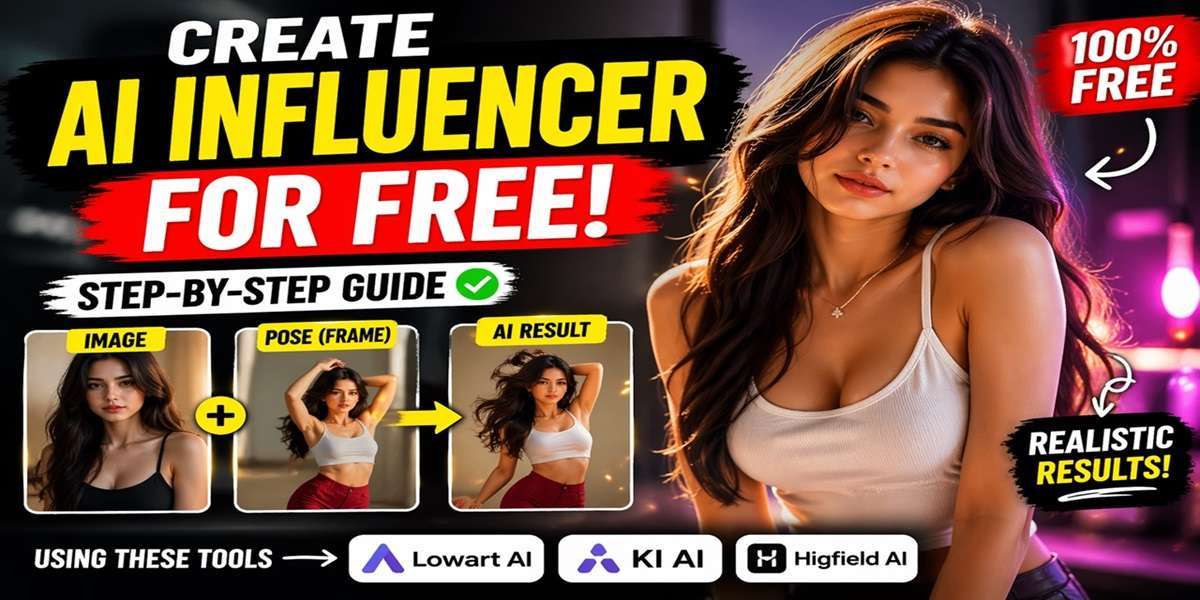
Want to create your own realistic AI influencer without spending money? In this guide, you’ll learn a simple, beginner-friendly method to generate high-quality AI models and animate them using free tools.
Tools You’ll Need
- Pinterest (for images and videos)
- Lowart AI (image generation)
- Frame Extractor (to grab video frames)
- KI AI or Higfield AI (motion generation)
Step 1: Choose a Model Image
Start by finding a base image for your AI influencer.
- Go to Pinterest
- Search for influencer-style photos
- Download a high-quality image you like
This will serve as your base model.
Why Are So Many Chinese Creators Appearing on YouTube?
Step 2: Generate Your AI Influencer
- Open Lowart AI
- Click on the Image Generator
- Upload your downloaded image
- Select the model: Nano Banana Pro
- Set:
- Resolution: 2K
- Aspect Ratio: 3:4
- Add your prompt (custom styling, realism, etc.)
- Click Generate
You now have your own AI influencer image.
Step 3: Download a Motion Reference Video
To animate your influencer:
- Go back to Pinterest
- Find a video with movements you like (dance, pose, etc.)
- Copy the video link
- Use a downloader tool to save the video
Step 4: Extract a Frame from the Video
- Open a Frame Extractor tool
- Upload your downloaded video
- Select Frame 1 (or any clear frame)
- Click Extract and download the image
Step 5: Combine Pose + Model
- Go back to Lowart AI
- Open Image Generator again
- Upload:
- Your AI model image
- The extracted frame
- Use a prompt like:
“Image two is posing and dressing like image one” - Set:
- Resolution: 2K
- Aspect Ratio: 3:4
- Click Create
Now your influencer matches the pose and style.
How I Improved My English in 30 Days Using ChatGPT
Step 6: Add Motion to Your AI Influencer
Option A: Using KI AI
- Sign in to KI AI
- Go to API Market → Motion Control
- Upload:
- Your AI influencer image
- The reference video
- Remove default prompts
- Set resolution to 720p
- Click Run
Your animated AI influencer video will be generated.
Option B: Using Higfield AI
- Go to Higfield AI
- Select Motion Control
- Upload your image and video
- Click Generate
This tool offers a few free generations as well.
Tips for Better Results
- Use high-quality source images
- Choose clear motion videos with visible poses
- Experiment with prompts for realism
- Stick to consistent lighting and angles
Final Thoughts
Creating AI influencers is easier than ever with free tools. By combining image generation and motion transfer, you can produce highly realistic content for social media, marketing, or creative projects.
With a bit of practice, you can build a full AI influencer profile—complete with photos, videos, and unique personality.
Live Video...
https://www.youtube.com/watch?v=9b6qXrRkWxo